Alerting Destinations
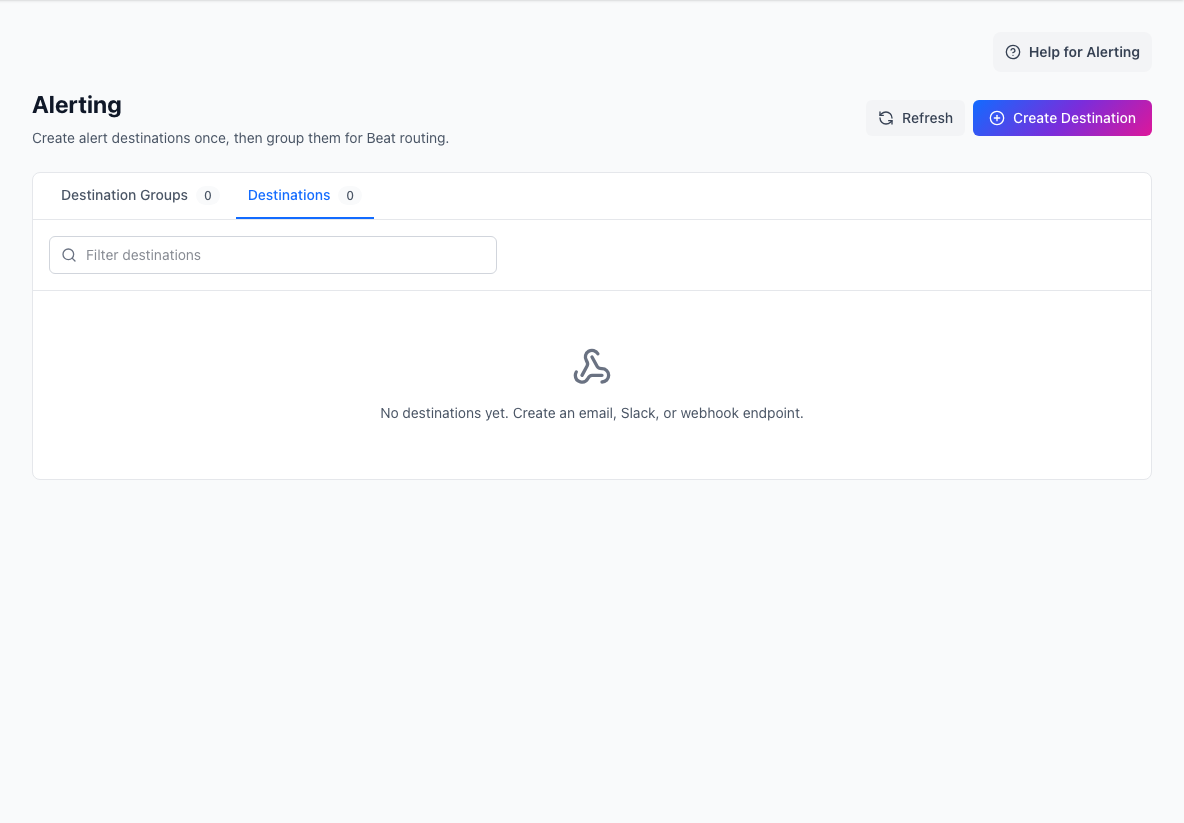
Alerting destinations are reusable delivery endpoints for Beat notifications. Use Alerting in the admin sidebar to configure the endpoints once, group them, and then route Beat warning, critical, and recovery stages to those groups.
Concepts
- Destination: one delivery endpoint, such as an email recipient list, Slack channel, or external webhook.
- Destination Group: a named bundle of destinations, such as
StatiBeat Critical AdminsorCustomer Success Watch. - Alert Routing: the Beat-stage setting that selects a Destination Group.
The term target remains reserved for what a Beat checks, such as a URL, heartbeat, DNS name, or external event source.
Recommended Setup
- Open Alerting.
- Create the destinations you need:
- Email destinations accept one or more recipient email addresses.
- Slack destinations route through the page's configured Slack app.
- Webhook destinations send a signed JSON POST and can use bearer, basic, or API-key-header authentication.
- Create one or more Destination Groups and add destinations to them.
- Open Beats and choose the relevant Destination Group in each stage's Alert Routing selector.
The Beat and Beat Group selectors are searchable. Typing part of the group name or destination details, such as cri or adm, filters the list in real time.
Migration Note
Existing external webhook destinations are backfilled into Alerting as webhook destinations. Existing Beat policies that used direct email, Slack, or webhook fields continue to work, but new edits should use Destination Groups.