Auditing
Auditing helps operators inspect outbound customer communication and delivery attempts.
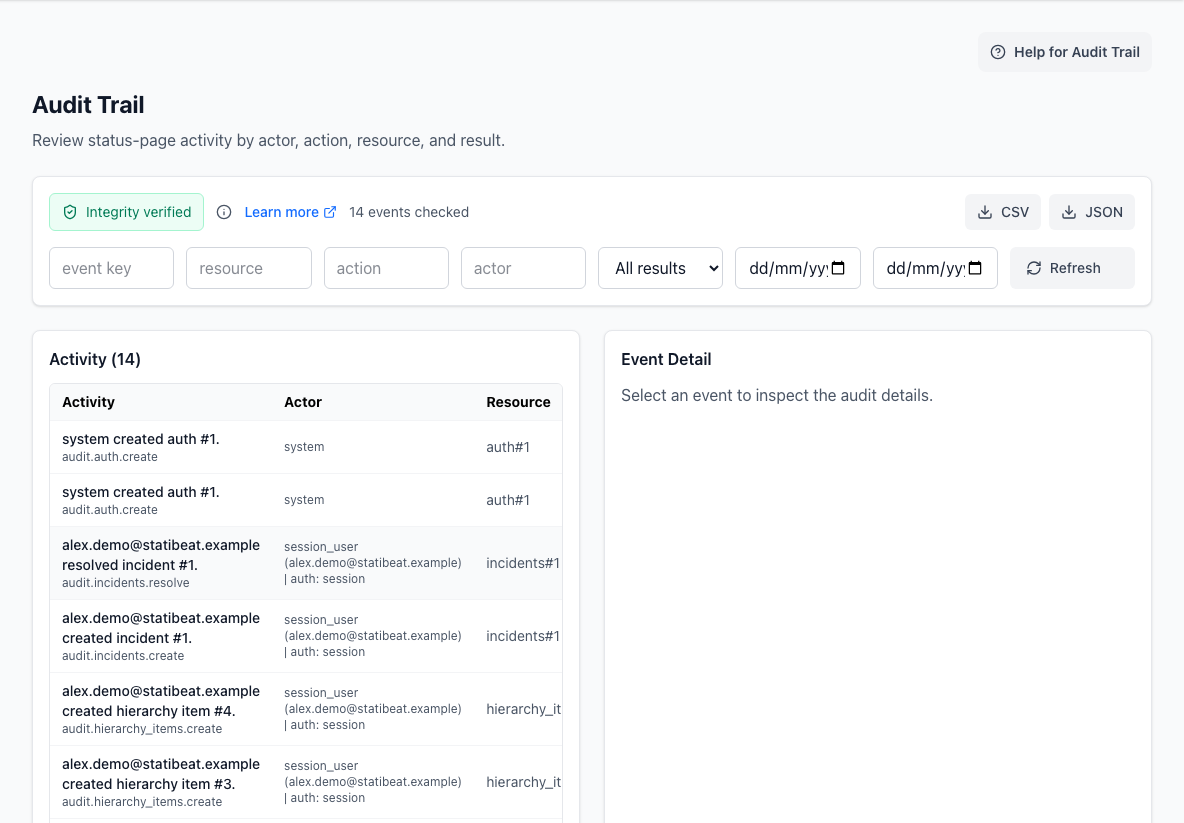
What auditing covers
The auditing area focuses on notification activity.
Use it to answer questions such as:
- was a notification created?
- which channel was used?
- was delivery queued, sent, delivered, retried, suppressed, or failed?
- which destination was used?
- did a delivery attempt need investigation?
It is most useful for support and operations teams investigating whether customers received an incident or maintenance update.
Event list and filters
You can filter notification events by:
- event key, such as
incident.updated - channel, such as
email,webhook,sms, orrss - delivery status, such as
queued,sent,delivered,failed,retrying, orsuppressed
Event rows show the key details needed to choose what to inspect next.
Delivery attempts
Opening an event shows its delivery attempts.
An attempt can include:
- channel
- destination
- delivery status
- attempt number
- creation time
This is the area to check when someone asks, "did that email send?"
Sensitive payloads
Event details can include operational payload data or delegated access material such as magic links.
Treat copied payloads and magic-link values as sensitive. Share them only through channels you would trust for other time-limited access tokens.
Plan behavior
Auditing availability depends on the workspace plan and enabled features. Workspaces without audit support may see a plan notice instead of the event inspector.