Custom Views and RSS
Custom views and RSS feeds help different audiences follow the parts of your status page that matter to them.
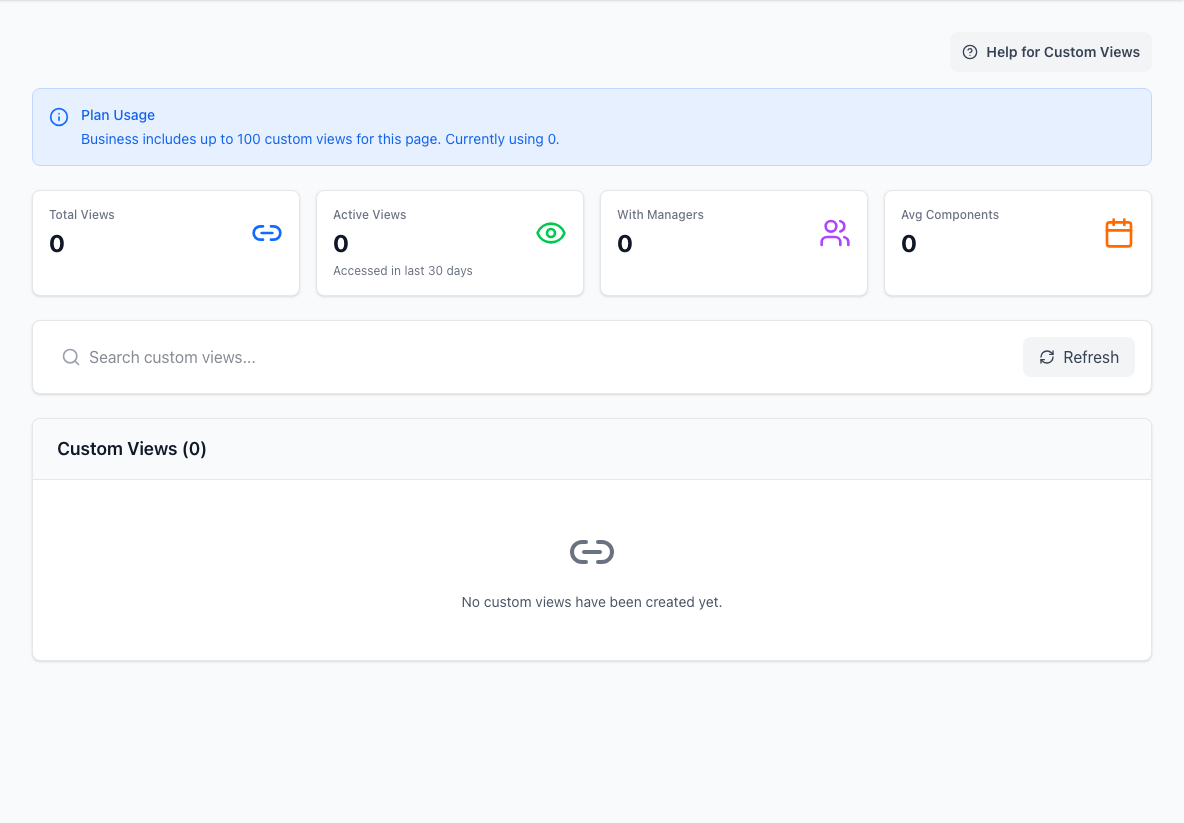
- Summary metricsShows view usage and management at a glance.
- Search and refreshNarrows the view list and reloads current data.
- Custom view listLists the focused status-page views available to audiences.
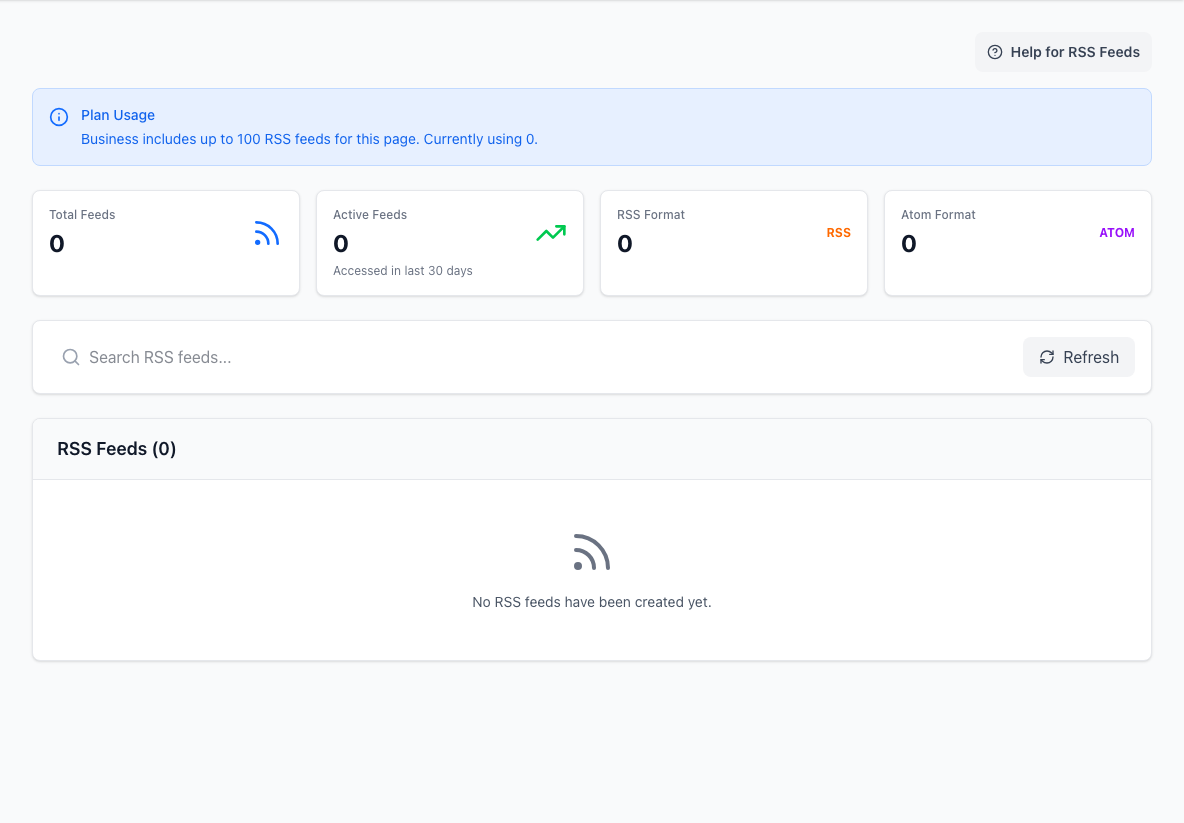
Custom views are for people who need a focused status page. RSS feeds are for feed readers, dashboards, and machine-friendly distribution.
For a dedicated walkthrough of custom views, read How Custom Views Work.
Custom views
Use a custom view when an audience only cares about part of the service model.
Common examples include:
- a customer-specific view
- a region-specific view
- an internal team view
- a business-unit view
- a launch or migration view
A custom view can have:
- name and description
- URL alias or short code
- selected components
- viewer access settings
- approved email addresses or domains for protected views
- managers who can maintain the view
Protect a custom view
Protected custom views help you share a focused page without exposing it to everyone.
You can restrict access with approved email domains or specific approved email addresses. Visitors request access, receive a verification link, and then see the scoped view if they match the policy.
Use protected custom views when the full page is public but a focused audience needs a more controlled experience.
Manage view ownership
Custom view managers can help maintain the view without owning the whole page.
This is useful when:
- a customer success owner maintains customer-specific views
- a regional team maintains its own status view
- an internal team owns a narrow service area
Keep at least one clear owner for each custom view so stale views do not linger.
RSS feeds
RSS feeds let people and systems follow page activity outside the StatiBeat UI.
Use RSS when you want:
- a feed reader subscription
- a dashboard integration
- a lightweight operational feed
- a customer portal or support tool to consume status updates
Admins can review feed activity, copy feed URLs, delete feeds, and invalidate feed caches when a fresh read is needed.
Choosing between them
Use a custom view when the reader needs an interactive, human-friendly status experience.
Use RSS when another tool or feed reader needs a stream of activity.
Many teams use both: a custom view for the audience and an RSS feed for that audience's tools.