Organization Admin
Organization admin is for tenant-wide setup. Page admin is for operating a specific status page.
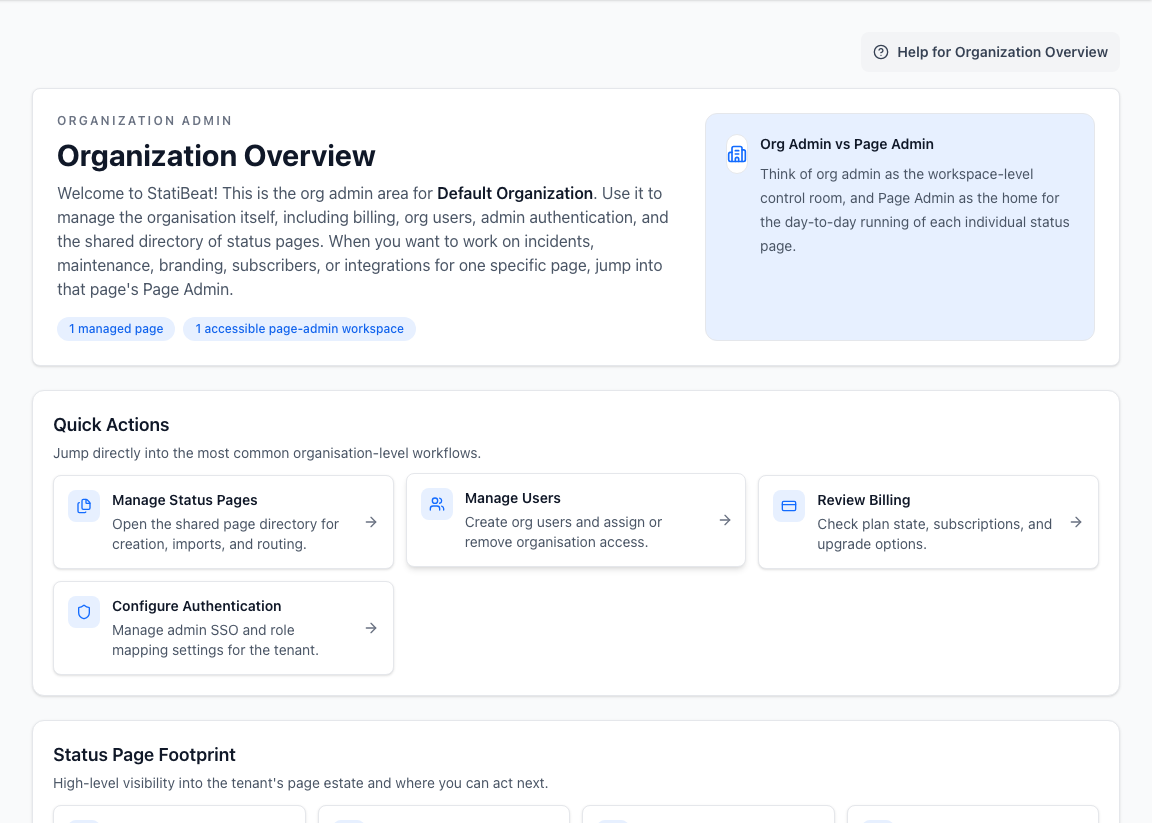
Use organization admin for users, billing, authentication, and page creation. Use page admin for incidents, maintenance, hierarchy, subscribers, customization, and integrations.
What organization admin is for
Organization admin covers:
- overview
- billing
- status pages
- users
- authentication
This area is usually owned by workspace administrators, finance or procurement owners, and identity administrators.
Status pages
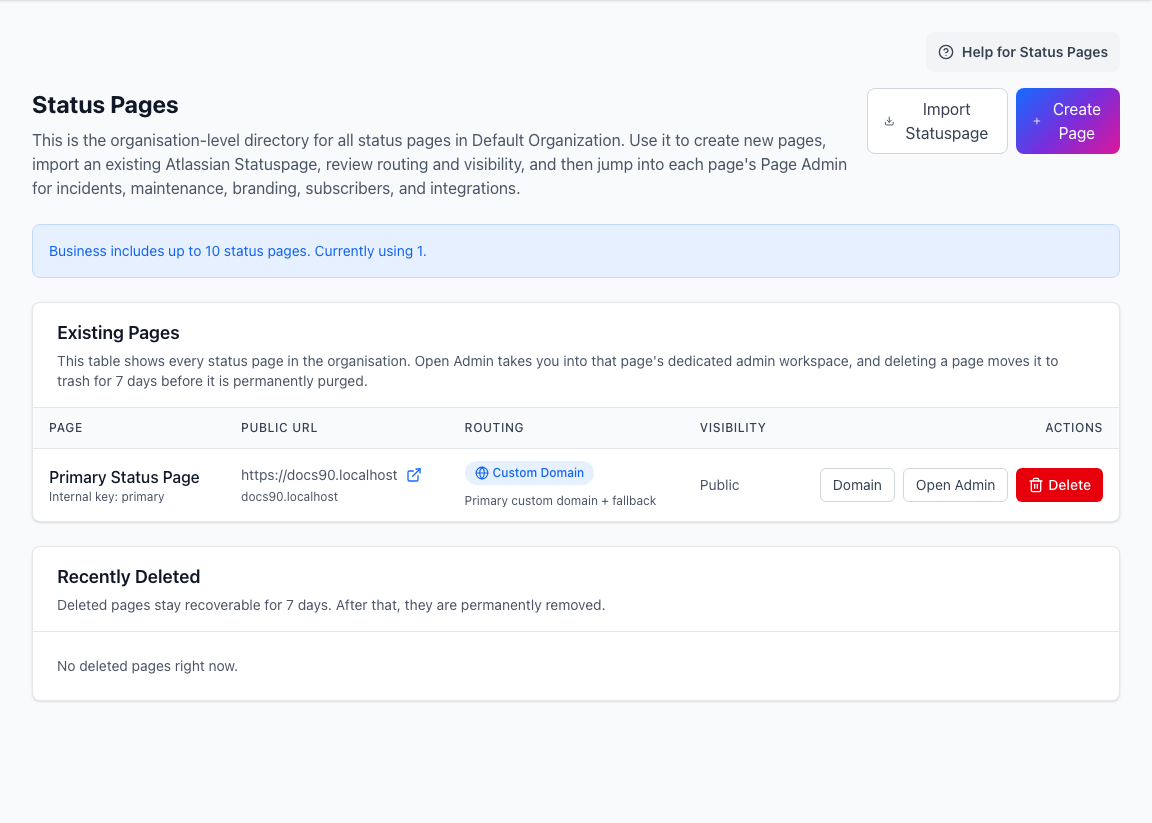
The status page directory lets org admins create and manage the pages that belong to the tenant.
You can:
- create a status page
- import from Atlassian Statuspage
- list existing pages
- move a page to trash
- restore a recently deleted page during the restore window
- open the page admin workspace
- jump into routing and domain settings
When creating a page, focus on the basics first:
- public name
- internal name, if it differs from the public name
- URL prefix
- public or private visibility
- shared viewer password, if the page starts private
Users
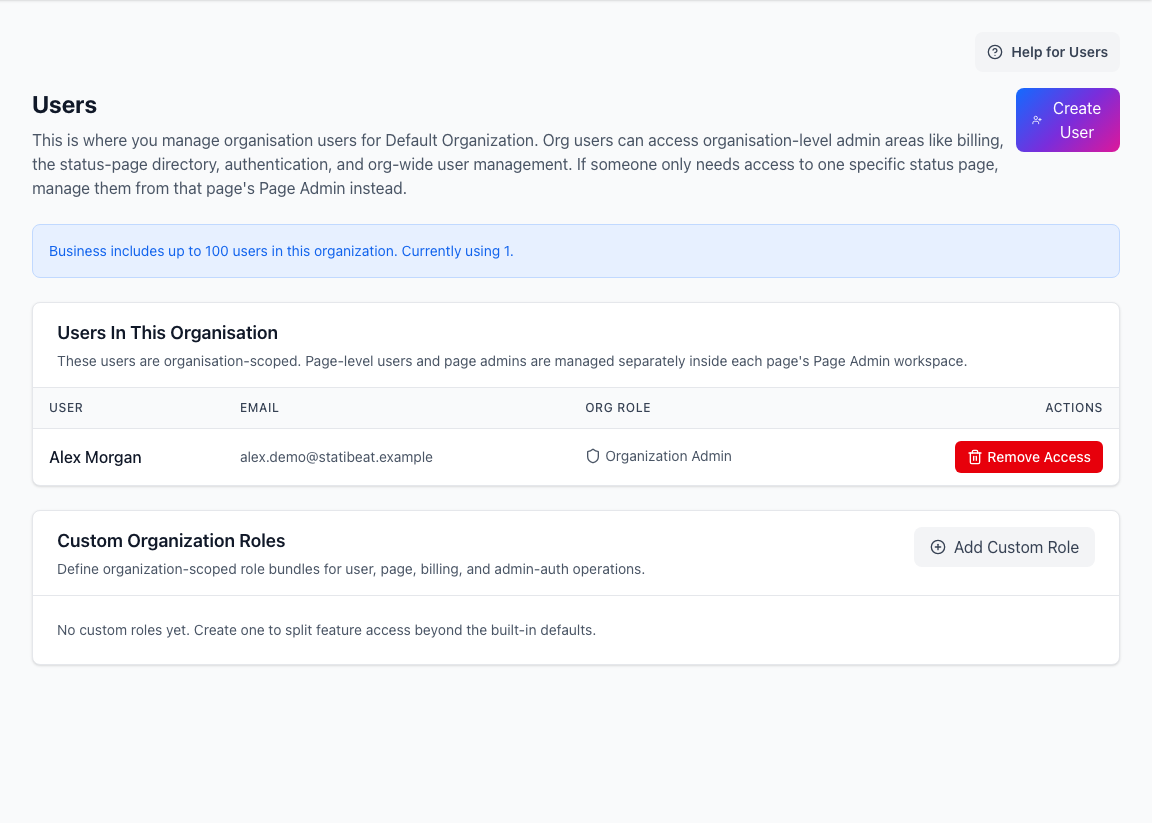
The users area handles tenant users and organization administrator access.
You can:
- create users
- make a user an org admin
- list tenant users
- remove org-admin access
Page-level access is managed from the page admin side. A user can belong to the organization without being an operator on every status page.
Billing
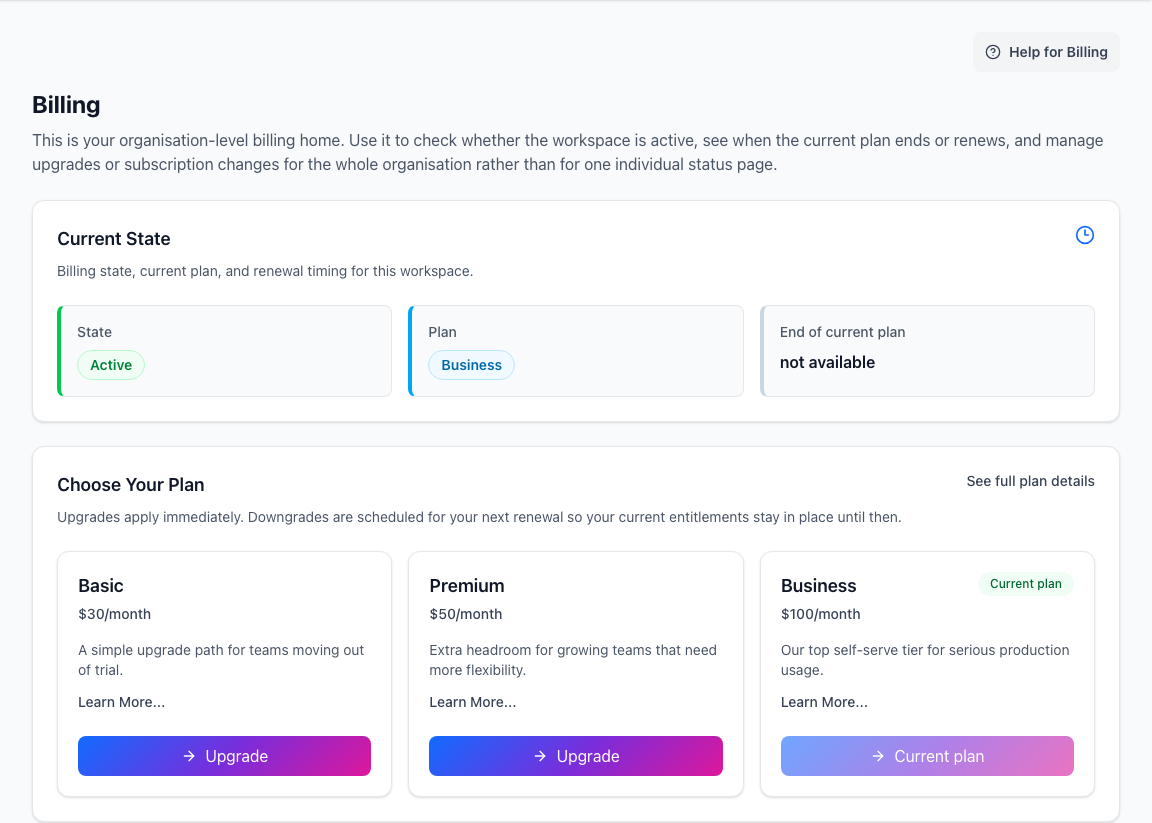
The billing area is the tenant-level plan management surface.
Depending on your workspace state, it can show:
- account mode and plan type
- trial state
- checkout or upgrade options
- renewal and paid-through dates
- cancellation or scheduled downgrade state
- delinquent billing warnings
- trial-workspace deletion approval
Use this area when plan or payment changes affect the whole tenant.
Authentication
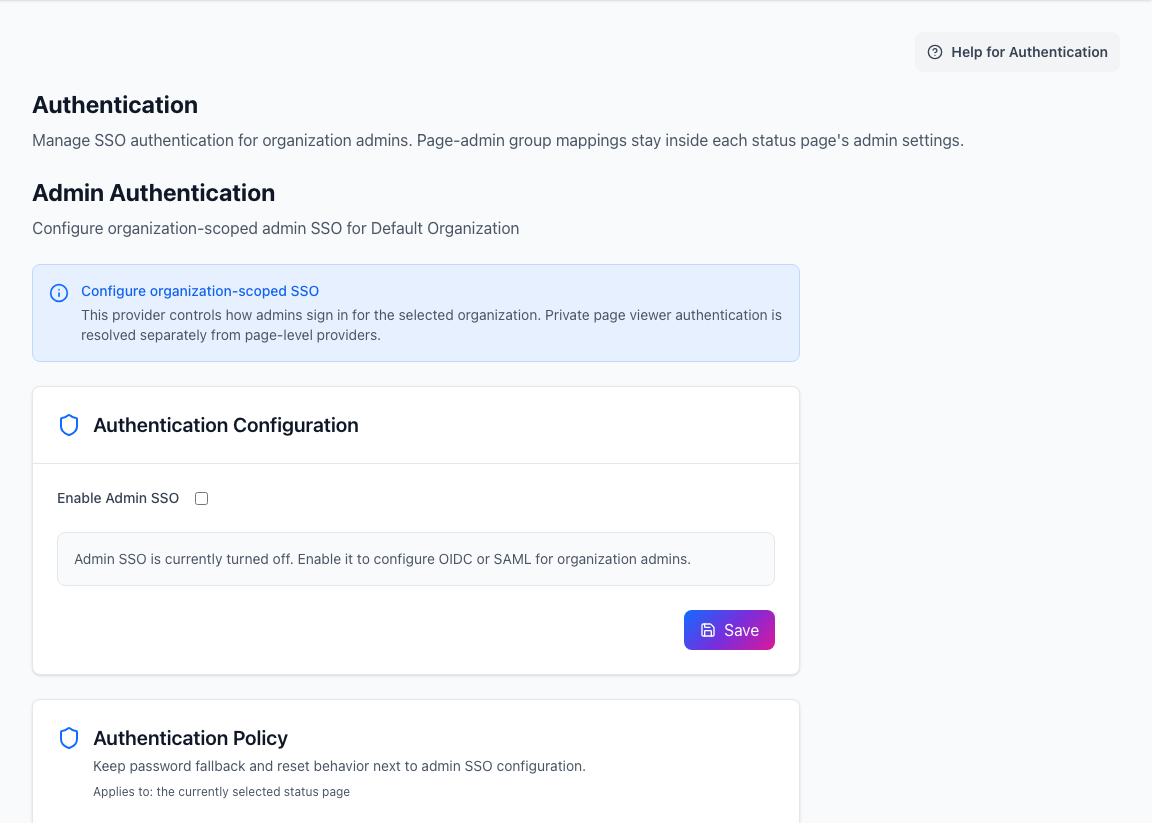
Organization authentication controls how admins sign in to the tenant.
It can include:
- email-first sign-in
- OIDC
- SAML
- enable or disable controls
- secret and certificate rotation
- group mapping when available
Viewer access for private status pages is separate. Configure viewer access from the page routing and access settings for the specific page.
When to use org admin vs page admin
Use organization admin when you are:
- creating or importing status pages
- managing tenant users
- changing org-admin access
- managing billing
- configuring organization-wide admin authentication
Use page admin when you are:
- running incidents or maintenance
- managing hierarchy and status types
- customizing a public page
- managing page access, domains, subscribers, Slack, Beats, AI, API tokens, auditing, or Terraform
Related docs
- See Billing and Plans
- See Page Access
- See Page Routing and Viewer Access
- See SSO and Access