Preset Messages and Variables
Preset messages help your team reuse common incident and maintenance copy instead of rewriting from scratch under pressure.
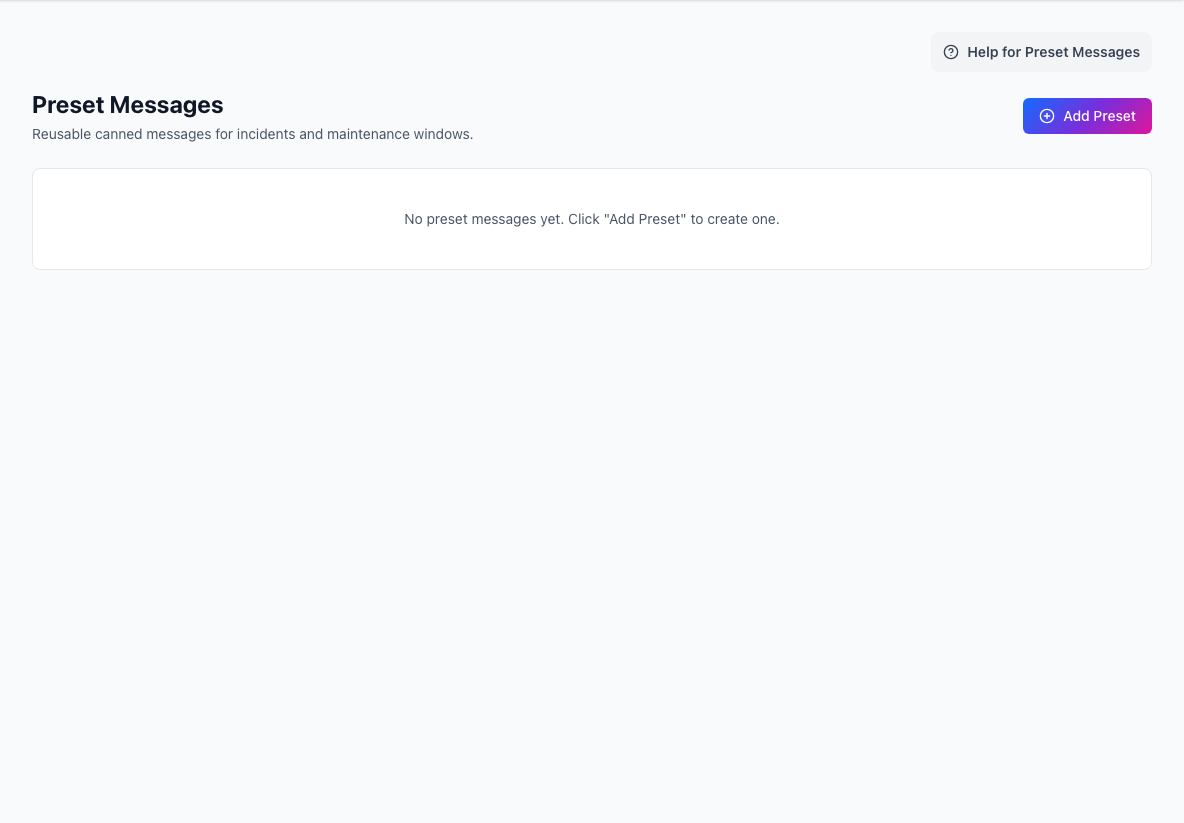
Good presets are strong starting points. Operators should still add incident-specific detail before publishing.
What a preset includes
A preset can include:
- title
- category
- message body
- maintenance-start automation
- maintenance-completion automation
Common categories include:
generalincidentmaintenanceincident_impactmaintenance_impactsynthetic_warningsynthetic_criticalsynthetic_recovery
Variables
Preset bodies can include variables so one template can adapt to the selected services or Beat evidence.
Examples include:
{{Hierarchy-Item-Name}}{{impacted-product}}{{impacted-service}}{{impacted-level-1}}{{impacted-level-2}}{{Monitor-Name}}{{Monitor-Stage}}{{Evidence-Summary}}{{Latest-Latency-Ms}}{{Latest-Status-Code}}{{Target-Url}}{{Group-Name}}
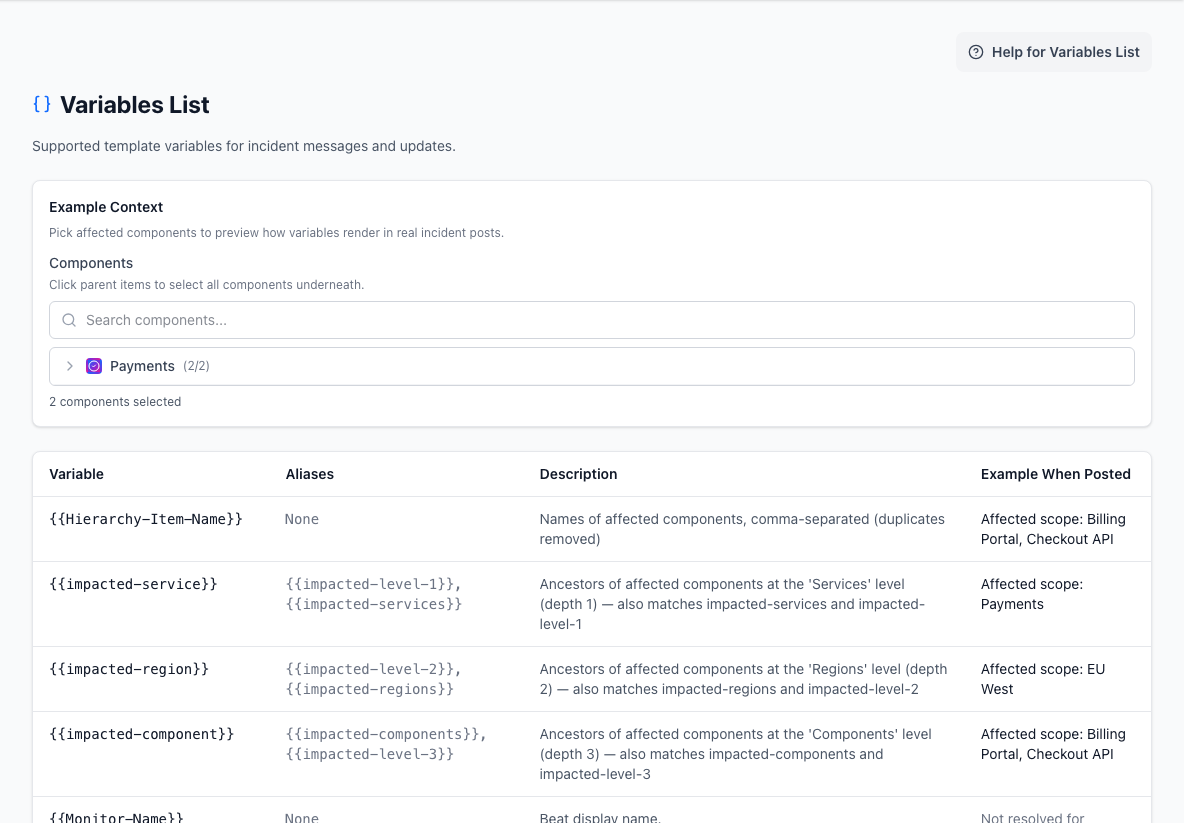
- Example contextSelects affected components so template values can be previewed.
- Variable referenceShows each variable, its aliases, meaning, and rendered example.
Preview variables
Use the variables list to preview how hierarchy-driven variables render with selected affected components.
Beat-specific variables are resolved when a Beat action is created, because those values depend on the failing check and its latest evidence.
Maintenance automation
Maintenance presets can be used automatically when maintenance starts or completes.
This is useful for common planned-work language, but the text should still be reviewed whenever the work has unusual risk, scope, or customer impact.
Beats and Beat Groups
Beats and Beat Groups can reuse preset-backed message templates for:
- warning notifications
- critical incident drafts
- critical follow-up updates
- recovery notifications or resolution drafts
Beat Groups can keep message ownership at the group level, or use the current primary Beat's templates when that better matches the team's workflow.
Practical guidance
Good presets usually:
- acknowledge the situation clearly
- avoid guessing at root cause too early
- use variables for affected scope
- separate customer impact from internal diagnosis
- keep maintenance start and completion messages distinct
Variables improve consistency, but they do not replace judgment. A technically correct variable expansion can still confuse readers if the hierarchy is poorly named.
Related docs
- See Variables List
- See Designing Your Hierarchy
- See Incidents and Maintenance
- See Beats