Automation, Integrations, and API
StatiBeat includes several operator-facing automation surfaces: API tokens, Slack, AI settings, Beats, and Hosted MCP.
API tokens
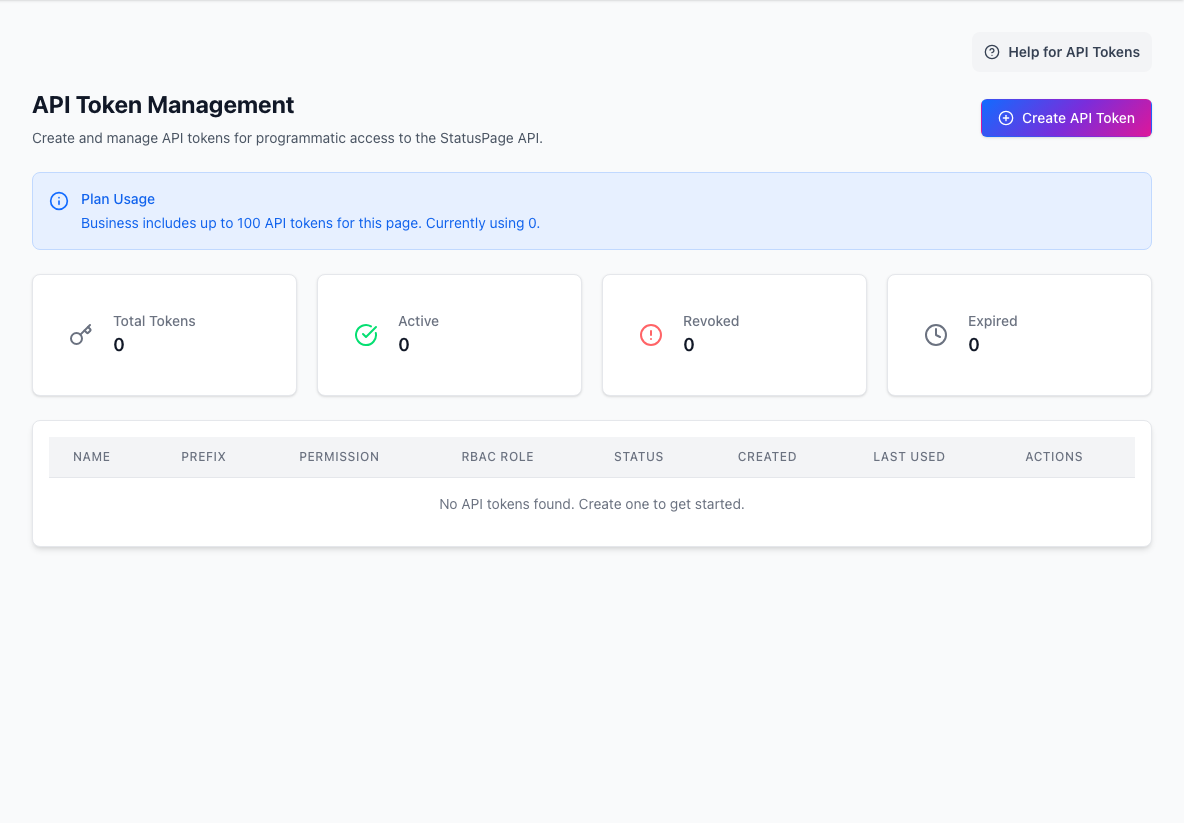
API tokens are the credential layer for programmatic access to the StatusPage API.
Use them when you need:
- scripts
- internal tools
- CI/CD automation
- Terraform-adjacent workflows
- external integrations
The key decisions are:
read,write, oradminpermission- the page-scoped RBAC role
- expiration policy
- whether the token is intended for Terraform-managed workflows
Slack integration
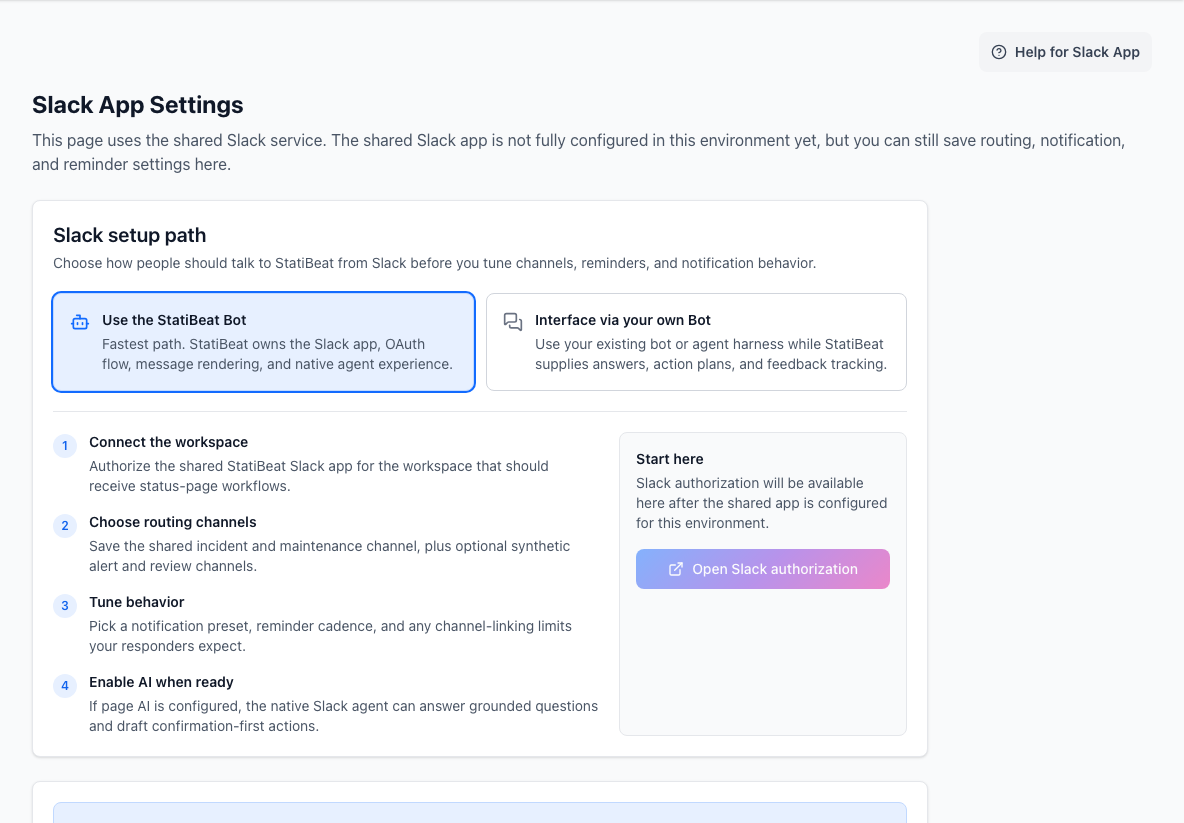
The Slack workspace is where you connect StatiBeat to operational communication.
Current Slack capabilities include:
- OAuth-based app connection
- channel-link policies
- global announcements
- reminders
- per-channel overrides
- workflow confirmation modes for AI-thread initiated actions
Slack is most useful when incident coordination already happens in channels and you want status communication to stay close to the work.
AI settings
The AI settings screen stores the page-scoped provider used for assisted workflows such as Slack incident drafting, Beat AI Info, and AI-assisted Beat or hierarchy planning.
Supported provider modes include:
- Platform Provided
- Anthropic
- OpenAI
- OpenAI-compatible providers
Platform Provided uses StatiBeat-managed LiteLLM credentials so the page does not need its own AI key. BYOK providers continue to store encrypted page-scoped credentials.
This screen is intentionally narrow: it configures the provider and key material, but not the broader Slack behavior.
AI-assisted Beat and hierarchy creation stays confirmation-first across both Slack and the web UI. The planner can propose a normalized preview, ask follow-up questions, and then hand the final mutation to the existing create APIs only after a human confirms it.
MCP integration choices
Hosted MCP is the supported path for AI clients. It uses StatiBeat OAuth, page discovery, user consent, approved-client management, revoke controls, recent activity, and page-scoped operational tools for incidents, maintenance, and Beats. Use MCP Reference for the exact resource, prompt, scope, and tool list.
Beats
Beats are StatiBeat's synthetic monitoring workspace.
They can:
- monitor customer-facing paths
- capture evidence
- raise alerts
- create reviewable drafts
- auto-post incidents or recoveries when configured to do so
Beats can also be grouped under optional Beat Groups.
- standalone Beats keep their original incident and messaging ownership
- grouped Beats still evaluate their own thresholds and evidence
- the Beat Group can own channel routing, incident lifecycle, and customer-facing message templates for the whole grouped surface
Beats are strongest when they are connected to the same hierarchy and communication model your customers already see.
External Beat Triggers extend Beats to external signals. Admins can ingest generic webhook JSON, select fields from a historical inbox event, preview the rule against older events, and turn matching events into Beat warning, critical, or recovery transitions. Start these triggers in draft/review mode so Slack and the admin UI can review customer-facing drafts before anything posts publicly.
Recommended rollout order
If you are adding automation for the first time:
- get the manual public workflow right
- create the minimum viable API token set
- connect Slack
- configure AI only if assisted drafting is genuinely useful
- connect Hosted MCP only after admins understand the OAuth scopes and recent activity view
- add one or two Beats before scaling monitoring broadly
- add External Beat Triggers only after preview shows stable firing and recovery behavior
That sequence keeps the automation grounded in a communication model your team already trusts.