Incidents, Maintenance, and Message Automation
StatiBeat helps operators communicate clearly during urgent incidents and planned maintenance alike.
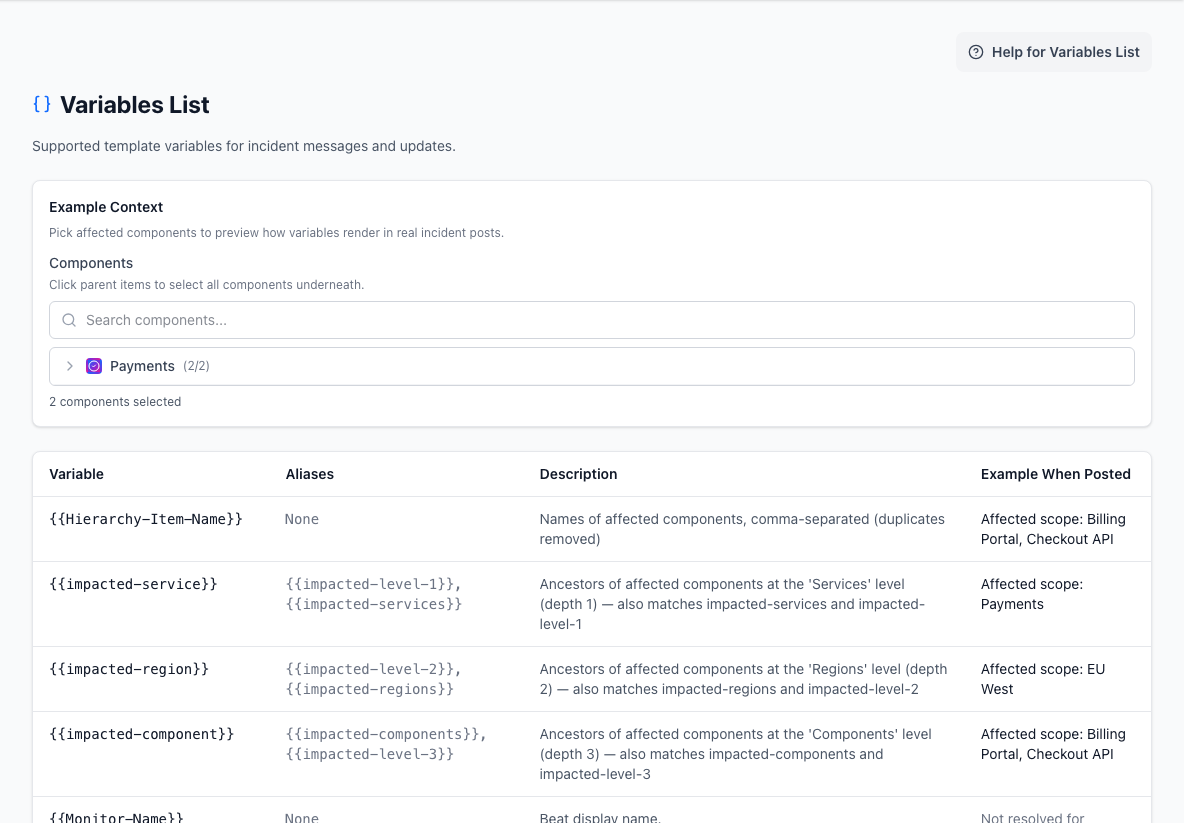
- Example contextSelects affected components so template values can be previewed.
- Variable referenceShows each variable, its aliases, meaning, and rendered example.
Incident workflows
The incident workspace supports the core actions operators need:
- create an incident
- draft an incident with AI when the page has AI configured
- edit the incident
- add updates
- mark affected components
- resolve the incident
- reopen a resolved incident when the page policy allows it
- post a historical incident that has already been resolved
- draft, publish, revise, or unpublish a
Post-Incident Report - manage ongoing vs resolved state
The public goal is always the same: tell readers what is affected, what changed, and what happens next.
Posting a historical incident
Use the historical incident flow when an incident already happened and was resolved before you published it in StatiBeat. This is useful after an outage was handled elsewhere, during migrations from another status page, or when you need to correct the public history after an internal incident review.
To post one:
- Open the incident workspace and choose to create a new incident.
- Enter the affected components, title, description, impact, status, and started time.
- Check
This incident has already been resolved. - Enter the acknowledged time if you have one, then enter the resolved time.
- Add the timeline updates you want readers to see, with the real timestamp for each update.
- Submit the incident as a historical incident.
Historical incidents are created in their resolved state and use the timestamps you provide. They are intended to reconstruct the public timeline, not to replay live customer communication. Subscriber notifications, Slack fanout, and live WebSocket announcements are not replayed for the past event.
Hosted MCP also exposes a backfill_incident tool for page-scoped automation that needs to post the same kind of historical incident from an approved OAuth client.
Maintenance workflows
Maintenance is planned work, but it still needs disciplined communication.
Typical maintenance actions include:
- create and edit a window
- plan a window with AI when the page has AI configured
- set timing
- choose affected items
- use preset messages
- add maintenance updates
- auto-post start and completion updates
- mark maintenance complete
- cancel maintenance windows
Historical maintenance backfill follows the same principle. It is meant for reconstructing past work with explicit timestamps, not for replaying a live maintenance announcement after the fact.
Why presets matter
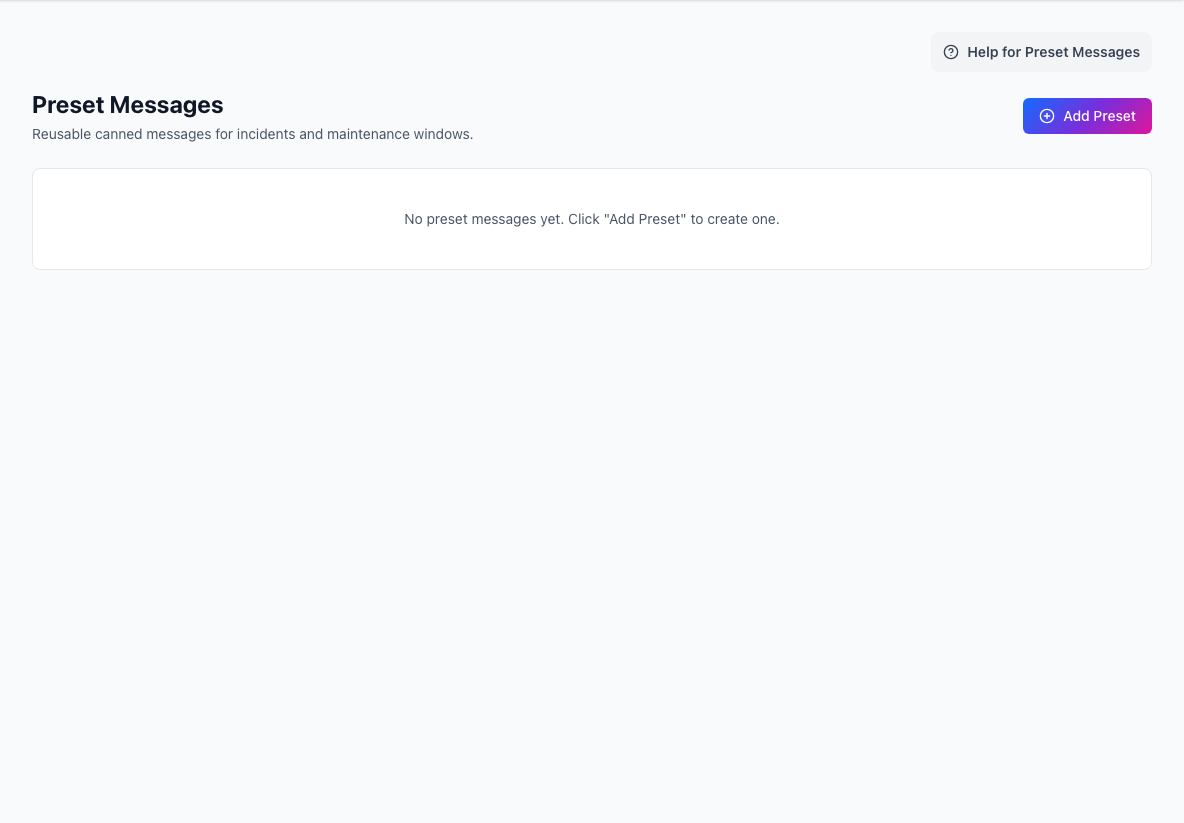
Preset messages help the team move faster without rewriting the same copy every time.
They are most useful for:
- first-update templates
- impact messages
- maintenance start and completion messages
- synthetic-monitoring escalations and recoveries
Variable-driven messages
Variables let one preset adapt to different incidents by pulling in context such as:
- affected hierarchy item names
- impacted levels
- monitor name and stage
- evidence summaries
- target URLs and status codes
This keeps messages consistent while still grounding them in the actual event.
For grouped synthetic monitoring, Beat Groups can now own the customer-facing message templates. That lets a team use generic copy such as We are aware of issues with {{Group-Name}}, and are investigating while still letting the member Beats provide the low-level evidence behind that grouped incident.
Statuses and lifecycle design
Statuses and lifecycle stages shape how updates feel to readers.
Good defaults usually mean:
- one clear operational baseline
- a small number of distinct impact levels
- predictable lifecycle progress for incidents and maintenance
- resolution copy that explains what changed
What to automate carefully
Automation can be powerful, but it should be introduced with intent.
Good candidates for automation:
- maintenance start and completion posts
- monitor-triggered draft incidents
- recovery drafts
- reminder workflows for long-running events
Use extra caution with:
- auto-posting critical incidents publicly
- automated resolution without review
- templates that assume too much before investigation is complete
Apply the same care when moving existing Beats into a Beat Group:
- move the customer-facing scope and impact text onto the Beat Group first
- choose whether the group should use
group_templatesorprimary_beat_templates - verify the grouped incident voice stays coherent before enabling full auto-post behavior
Apply the same caution to backfill:
- use backfill for historical accuracy, not for replaying missed customer communication
- provide the real event times for updates and transitions
- expect historical incident and maintenance backfill to be silent by default so old events do not re-notify subscribers
Recommended operating model
- Use presets to remove repetitive writing.
- Use variables to keep scope accurate.
- Start with draft-based automation before full auto-posting.
- Review the public timeline from the reader’s perspective after each major incident.