Terraform and Configuration Governance
StatiBeat supports page-scoped Terraform workflows for moving operational configuration into code.
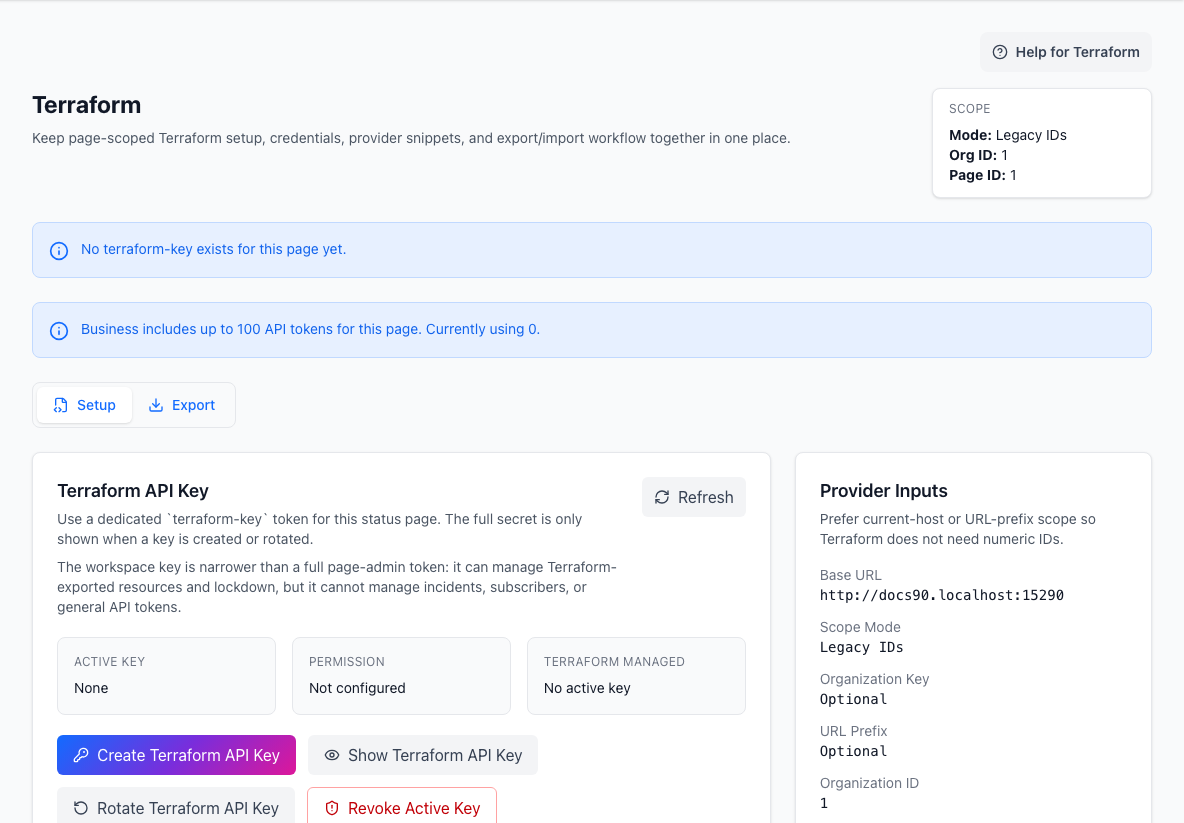
The Terraform workspace
Inside page admin, the Terraform workspace is split into:
SetupExport
Use Setup when you need:
- the page or custom-domain URL
- provider input values
- a dedicated
terraform-key - example provider configuration
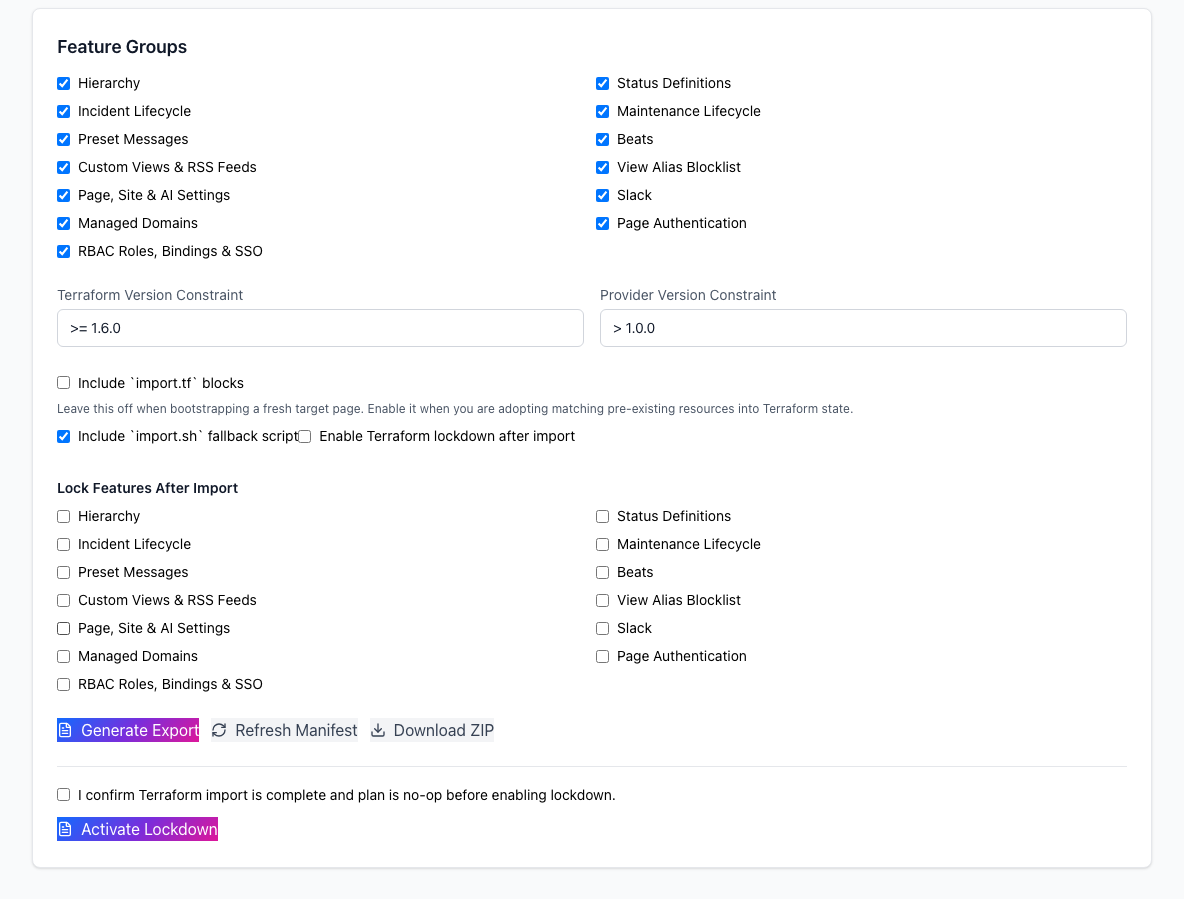
Use Export when you need:
- Terraform generated from existing live configuration
- a bootstrap path from manual setup to config-as-code
- a manifest of what is or is not included in the export
Terraform provider vs export
These are related but different:
- the Terraform provider manages supported configuration directly
- the export flow generates Terraform artifacts from configuration that already exists
If you are starting from scratch, provider-first may be cleaner.
If you already built the page manually, export is often the fastest bridge into code-based governance.
What is worth governing through Terraform
Good Terraform candidates include:
- hierarchy
- status definitions
- preset messages
- Beats and Beat Groups
- custom views and feeds
- selected site settings
- RBAC roles and mappings where supported
Operational incident handling is usually not the right target for Terraform.
That also applies to Post-Incident Reports: they are operational follow-up records tied to incident history, so v1 excludes them from Terraform management and Terraform export content.
Current examples of configuration that fit Terraform well include:
- protected custom-view access mode, allowlists, prompt text, and session TTL
- hosted embed settings such as badge enablement, badge label, and widget enablement
- bounded hosted-page extensibility settings such as custom CSS, approved external script URLs, and locale defaults
Operational workflows still stay outside Terraform. That includes:
- subscriber CSV import and export
- bulk subscriber hygiene actions such as suppress, bounce, complaint, or quarantine
- page and delivery analytics dashboards
- one-time viewer sign-in or magic-link consumption
Lockdown and drift control
Terraform lockdown is how you prevent manual changes in selected feature groups after you move to config as code.
Use it only after:
- export or import is complete
- Terraform plans are clean
- the team agrees which settings should be code-owned
That keeps governance strict without locking the UI prematurely.
MCP follows the same separation of concerns:
- use Terraform for durable configuration ownership
- use MCP for read-only operational context and narrowly scoped incident or maintenance workflows
- keep analytics, subscriber migration, and audience-unlock flows out of Terraform even if they matter operationally