Custom Views and Feeds
Not every audience needs the full status page. StatiBeat supports scoped experiences for teams, customers, or business units that only care about part of the service.
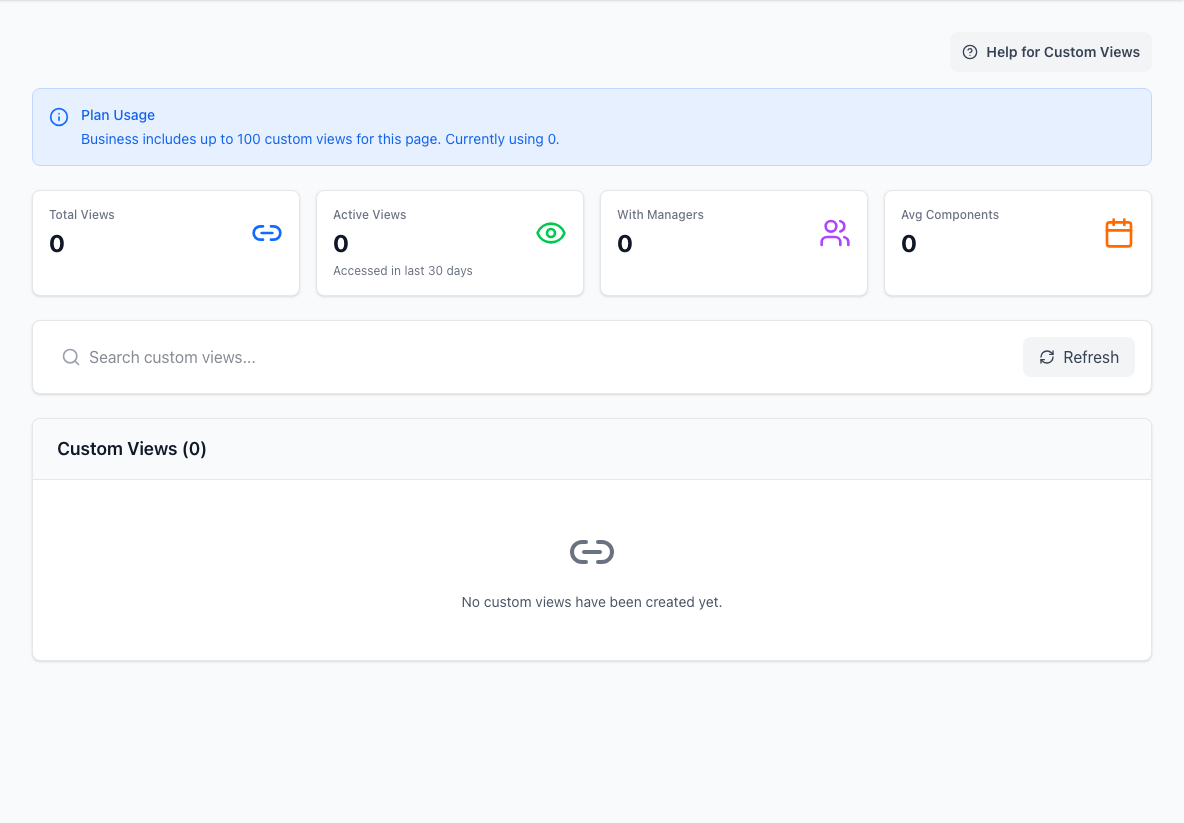
- Summary metricsShows view usage and management at a glance.
- Search and refreshNarrows the view list and reloads current data.
- Custom view listLists the focused status-page views available to audiences.
What a custom view is
A custom view is a filtered status page built around a selected set of components.
The page owner may share it as a separate link, short code, or alias. That identifier is the stable way to return to the same scoped view.
Use one when:
- one customer only uses a subset of your platform
- one team only needs one service area
- you want a shareable link that avoids unrelated noise
Custom views can show:
- a scoped overall status
- only the incidents relevant to the selected components
- only the maintenance relevant to that audience
- a reduced hierarchy instead of the full tree
Some custom views may also ask you to verify your email before you can read them. That is normal for protected customer- or team-specific views.
Depending on how the operator configured the view, that protection may be:
- simple verified-email access
- restricted to an approved email domain
- restricted to a specific approved email address
After verification, the current flow signs you into that custom view directly rather than making you manage a separate account.
If verification does not work, request a fresh link and use the email address your page owner approved. Do not forward a private verification link to someone else.
Why a custom view is different from the main page
The main page answers:
- what is happening across the service as a whole
A custom view answers:
- what is happening in the part of the service that matters to me
That makes custom views especially useful for enterprise customers, internal platform teams, and business-unit-specific reporting.
What RSS feeds are for
RSS feeds solve a different problem from custom views.
Use RSS when you want:
- updates in a feed reader
- machine-friendly consumption
- syndication into another dashboard or workflow
Use a custom view when you want:
- an interactive public page
- a scoped human-friendly status experience
- a shareable audience-specific URL
Choosing between the two
Pick a custom view when your audience needs to browse and interpret the status page.
Pick RSS when your audience needs:
- passive consumption
- machine-readable polling
- a lightweight stream of status events
You can also use both together: a custom view for humans and an RSS feed for systems.
Practical guidance for readers
- Ask for a custom view if the main page is broader than your needs.
- If a custom view asks for email verification, use the email address your operator expects for that audience.
- Use RSS if your team prefers feed readers or internal aggregation tools.
- Treat the custom view short code or alias as the stable way to share the scoped experience.