Configuration Status
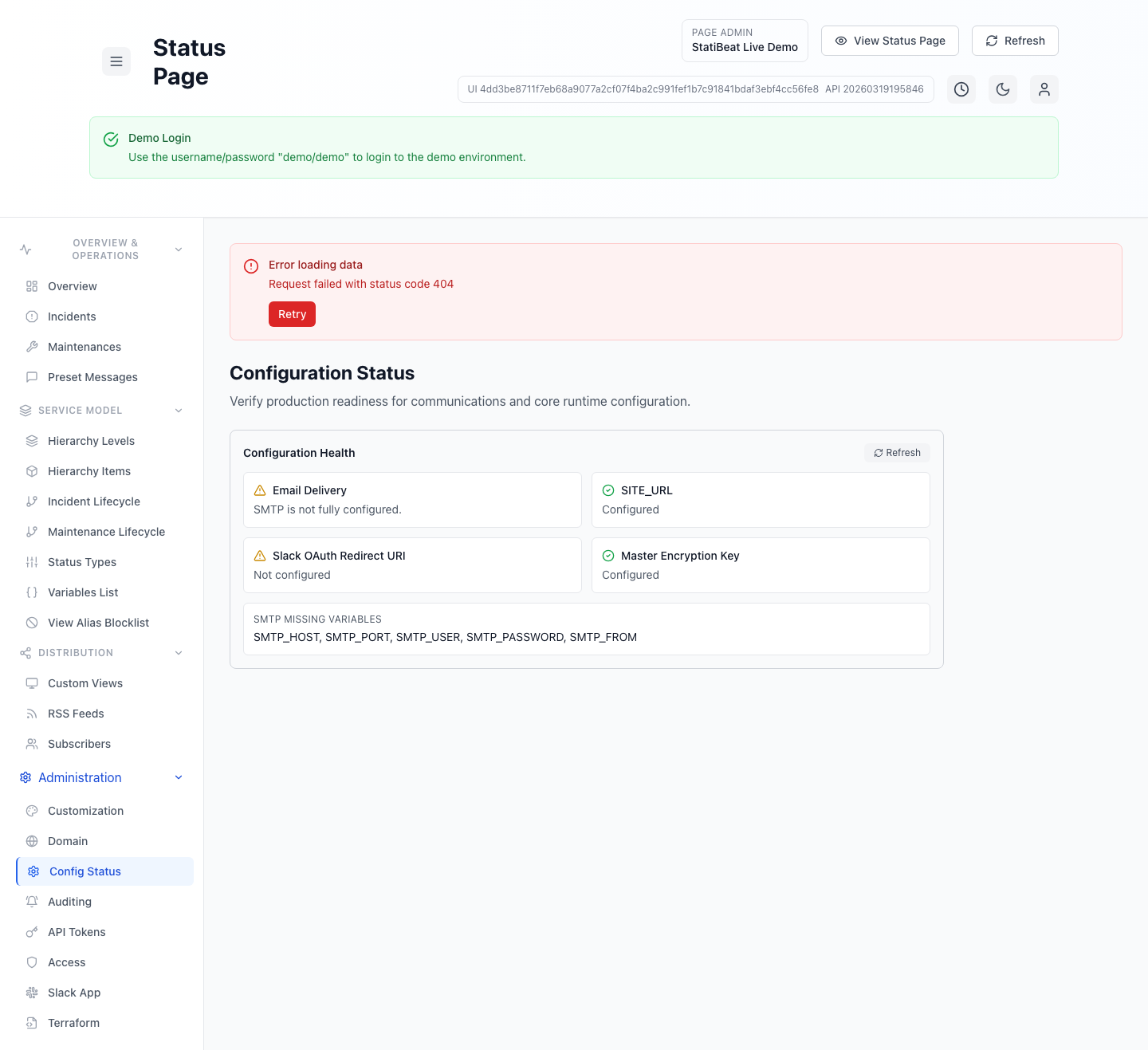
Configuration Status is the page-admin readiness check for communications and core runtime setup.
This guide is based on:
application/frontend/src/pages/admin/ConfigurationStatus.jsxapplication/frontend/src/components/admin/ConfigurationHealthCard.jsx
What the screen checks
The current card checks four areas:
- email delivery
SITE_URL- Slack OAuth redirect URI
- master encryption key
This is not a general product-health dashboard. It is a focused configuration check for things that directly affect communication and credential-dependent features.
Email delivery checks
The email tile evaluates the current delivery mode and shows a more specific explanation such as:
- platform default sender is active
- custom SMTP is active
- custom SMTP is incomplete and the platform sender is being used as fallback
- custom SMTP is unavailable on the current plan
- development mode is logging emails instead of sending them
When email configuration is incomplete, the screen can also list missing fields for either:
- platform SMTP variables
- custom SMTP settings
Runtime prerequisites
The remaining tiles answer whether these prerequisites are configured:
SITE_URL- Slack OAuth redirect URI
- master encryption key
Those checks matter because they affect public URLs, Slack setup flows, and encrypted secret storage across the page-admin experience.
When to use this screen
Configuration Status is most helpful when you are:
- validating a new workspace before the first real incident
- troubleshooting why email or Slack setup is not behaving as expected
- checking whether a custom SMTP rollout is actually complete
- confirming production readiness after environment changes
If a workflow depends on email, Slack OAuth, or encrypted secrets, check this page before chasing higher-level symptoms elsewhere in the admin UI.